
Why this reset helps
Stop carrying the week in one person’s head.
Most difficult weeks begin with small, scattered things: an early-dismissal note, a changed practice time, a late meeting, an unsigned form and no dinner plan. A reset turns those loose ends into a shared plan before Monday makes them urgent.
Build your prompt
Give Nori the real week—not a blank template.
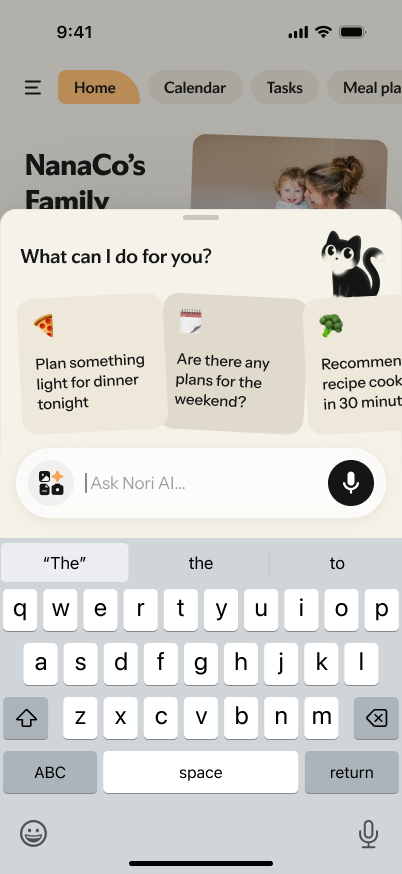
The builder turns the information you already have into one ready-to-send prompt. Nori can start with your household context instead of asking you to rebuild it over several messages.
Step 4
Your generated Nori prompt
Fill in the required fields, then select Build my Nori prompt. Your personalized, copyable prompt will appear here.
Step 5
Bring the checked plan into the family home.
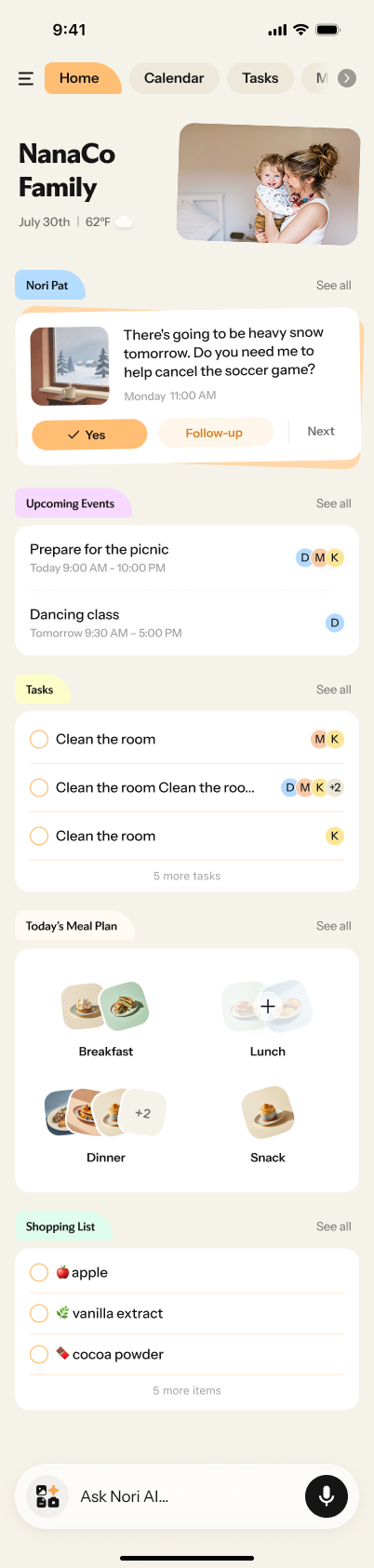
Paste your generated prompt into Ask Nori AI, then review the first draft together. The useful next step is not another document: it is keeping the confirmed events, tasks, meals and grocery needs somewhere the household can actually use during the week.[1]
One shared place for the week
- Paste the prompt in Ask Nori AI.Start the conversation with the dates, people and source notes already collected in your prompt.
- Check the draft before anyone relies on it.Confirm dates, owners, handoffs, dinner constraints and every item under Needs confirmation.
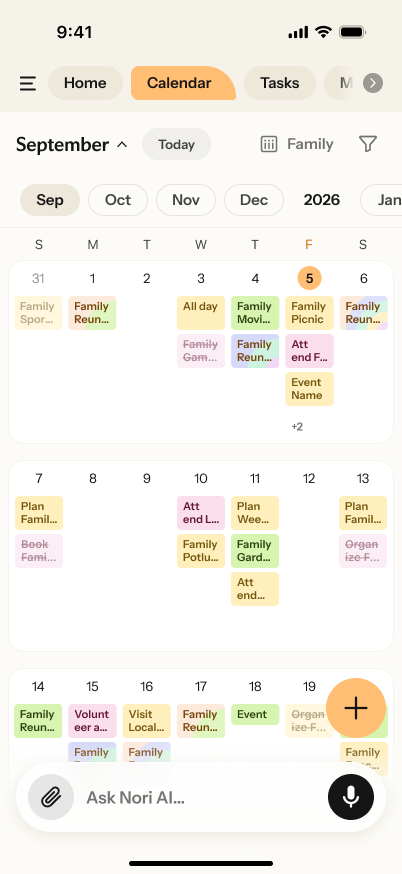
- Keep the confirmed pieces visible.Use the family home to see upcoming events, tasks, meal choices and shopping needs in the same place.
After you send it
What Nori should return
The useful result is not a prettier list. It is a plan your household can check together. Read Needs confirmation first, then work through the rest with the people affected.
| Nori’s plan section | What to check before sharing |
|---|---|
| Seven-day agenda | Actual dates, times, locations and which people are affected. |
| Coverage and handoff risks | Who is truly available, who has agreed to drive or attend, and whether a backup is needed. |
| Preparation tasks | Whether the deadline is early enough and the owner has agreed. |
| Dinner plan | Allergies, preferences, budget, ingredients and the time available that night. |
| Grocery list | What is already at home and which items still need a quantity or price check. |
| Needs confirmation | Every blank, conflict or assumption before it becomes the family plan. |
Make it real
Put each part of the plan in the right home.
Once the first draft is checked, place events that change where someone needs to be on the calendar. Turn preparation into a task with a real deadline and an agreed owner. Keep useful context—parking details, links, packing notes or pickup instructions—where the person taking over can find it.
| If the information… | Put it in… | Example |
|---|---|---|
| Happens at a time or changes the day | The calendar | Thursday practice now starts at 5:30 p.m. |
| Must be done before a date | A task with a named owner | Return the permission slip by Tuesday. |
| Helps somebody take over later | The event detail or shared note | Bring a water bottle; use the north entrance. |
If school details are the main source of weekly change, use the fuller school schedule setup guide to build the system behind this reset.
No Nori? Use the same reset manually
A simpler shared setup can still be enough.
A shared Google or Apple calendar plus a shared note can be enough when your household has a stable, low-change schedule and adults are comfortable maintaining it manually. Use the same order: collect what changed, check coverage, assign preparation, decide the hardest dinners and name the likely disruption.
- We checked new school, activity and work information for the next seven days.
- Every high-impact event has a confirmed owner; the few that need one also have a confirmed backup.
- Forms, fees, packing and preparation have a clear task and an early deadline.
- We chose the meals that need a decision and added only verified missing ingredients to the shopping list.
- We named the likely disruption and agreed what happens first if it occurs.
FAQ
Common questions
Does this page send my family information to Nori?
No. The builder creates a prompt in your browser. You choose whether to copy it and send it to Nori. Do not include more personal information than you are comfortable sharing.
What if I do not know all the details yet?
Fill in the information you have. The generated prompt asks Nori to place missing or conflicting items under Needs confirmation, rather than fill them in by guessing.
Can I use a role instead of a name?
Yes. Use roles such as “Parent 1,” “Teen,” “Grandparent” or “Thursday pickup” when you do not want to include names.
What if our week changes after I generate the plan?
Add the new information in the existing Nori conversation and ask which parts of the current draft need to change. Then confirm the people, timing and tasks affected before you update the shared plan.
How many dinners should we plan?
Plan the number of dinners your family realistically cooks. Four or five planned nights often works better than a seven-night plan that ignores leftovers, familiar easy meals or flexible evenings.
Sources
How Nori’s role was checked
Nori product capabilities and plan boundaries can change. Reconfirm these official sources before publishing an update that changes the page’s product-specific language.
| Source | Reference |
|---|---|
| [1] | Nori Membership: family calendar, tasks, meal planning, shopping list and AI tools |
| [2] | Nori Download: App Store, Google Play and web version options |